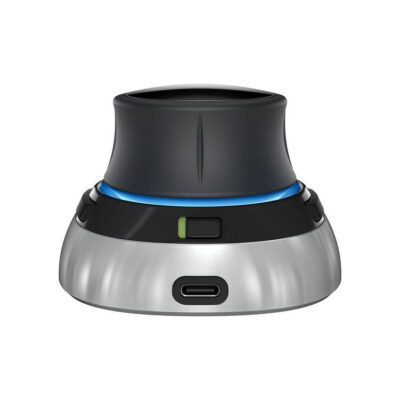
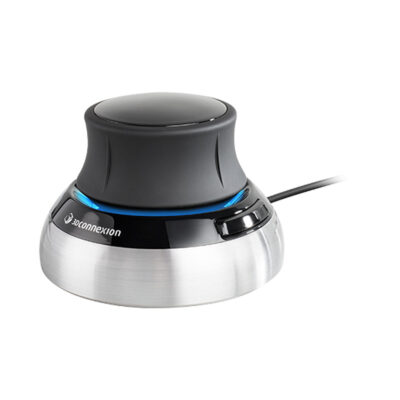
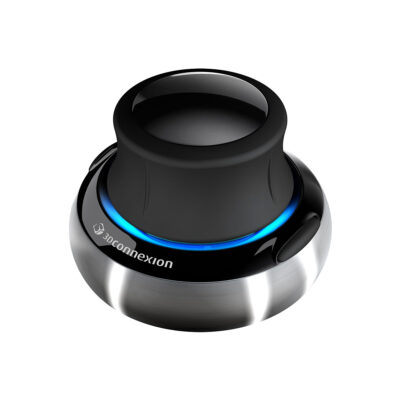
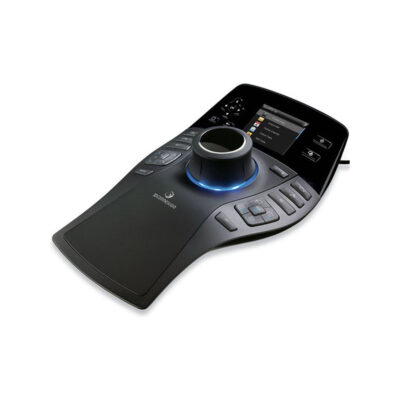
3Dconnexion SpaceMouse Compact Wireless 3D Navigation Controller with six-degrees-of-freedom sensor, two programmable buttons, Bluetooth and 2.4GHz wireless connectivity, and up to one month battery life.
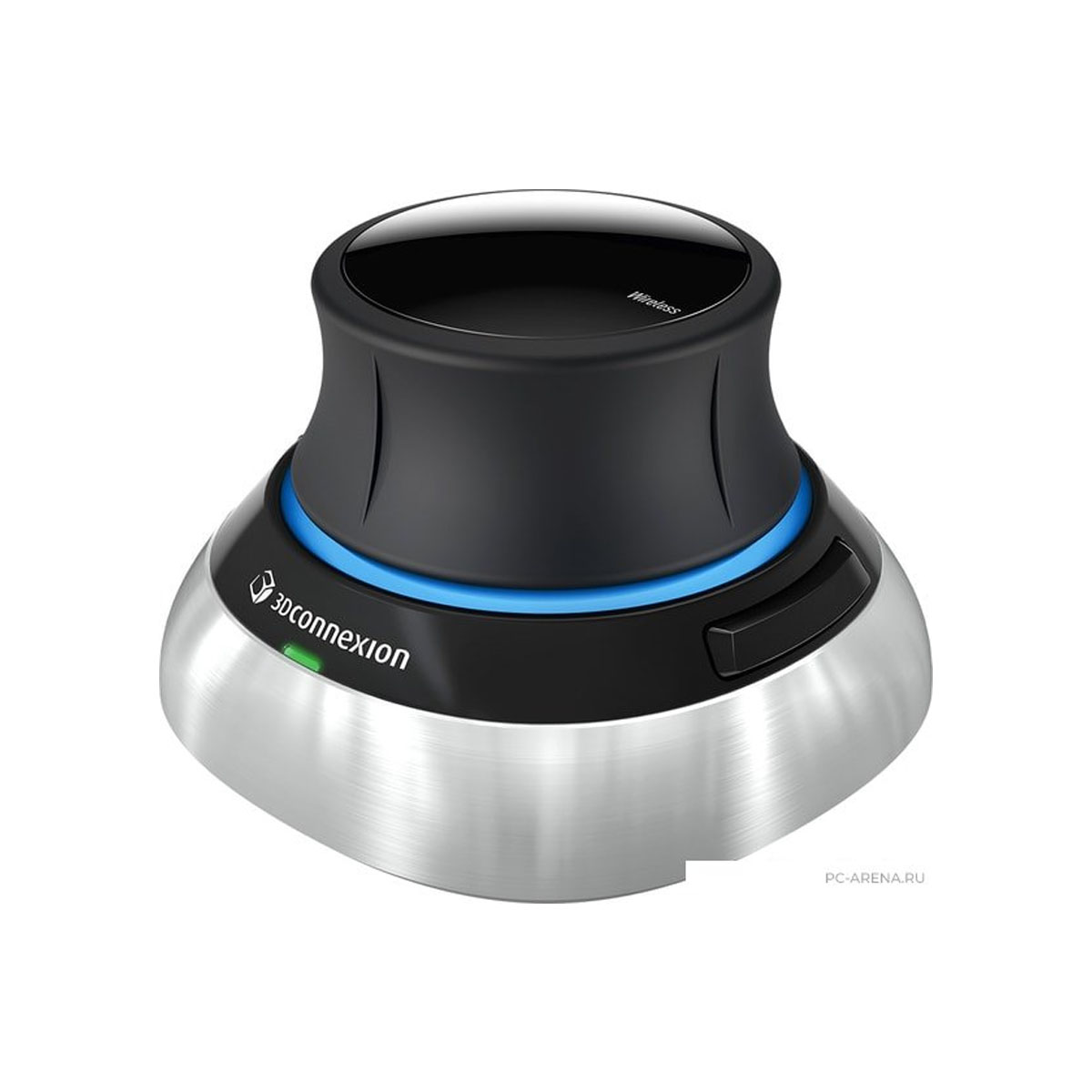
About 3Dconnexion SpaceMouse Compact Wireless
The 3Dconnexion SpaceMouse Compact Wireless gives you smooth control in 3D space. Its six-degrees-of-freedom sensor lets you push, pull, rotate, or tilt the cap to pan, zoom, and spin models exactly how you want. This makes editing complex designs much faster and more natural than using a regular mouse.
The compact body measures 78 mm long, 78 mm wide, and 53 mm high with a solid 450 g weight that keeps it steady on your desk. You get two programmable buttons that change commands based on the CAD program you run. They help you stay focused without hunting for keyboard shortcuts all the time.
Wireless freedom comes from 2.4GHz technology and Bluetooth Low Energy so you can move around without cables getting in the way. The rechargeable lithium-ion-polymer battery lasts up to one month between charges and a USB-C cable works for quick top-ups or wired use. This setup keeps your workspace clean and flexible.
It runs well on both Microsoft Windows and macOS computers. The stable base and precise sensor team up to deliver accurate navigation that feels like a natural extension of your hand during long design sessions.
Specifications
| Specification | Value |
|---|---|
| 6DoF Sensor | Yes |
| Programmable Buttons | 2 |
| Dimensions | 78 x 78 x 53 mm |
| Weight | 450 g |
| Wireless Technology | 2.4GHz and Bluetooth Low Energy |
| Battery Type | Rechargeable Lithium-ion-polymer |
| Battery Life | 1 month |
| Connectivity | USB-C cable |
| Supported OS | Microsoft Windows, macOS |
| Warranty | 2 years |
| Delivery | 7-14 days |
| Price | $199 |
Reviews
I love how this controller makes moving around in my 3D projects feel completely natural. The sensor responds right away when I tilt or push it, and the battery really lasts weeks without charging. It sits steady on my desk even during long sessions.
Working with detailed models got so much easier after I started using this device. The two buttons switch commands automatically for different programs, which saves time. Bluetooth works great across my desk, though I sometimes connect the cable for extra stability.
The compact size fits perfectly next to my keyboard and the weight keeps everything stable. I can rotate views smoothly without any lag. It changed how I design because everything feels more intuitive now.