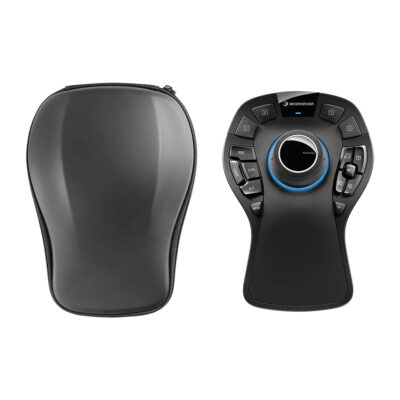
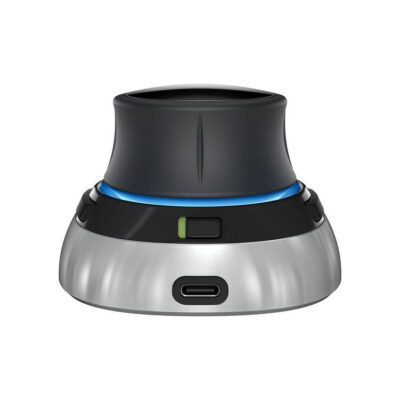
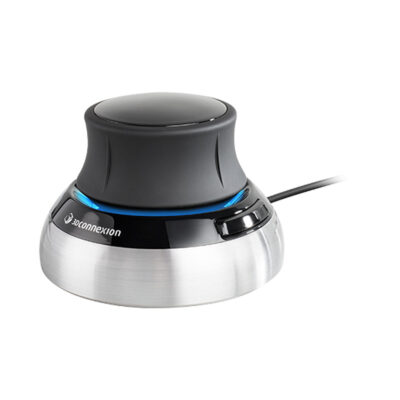
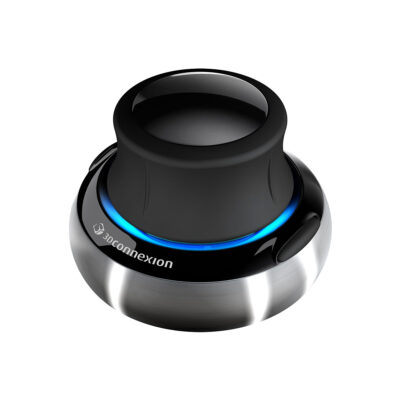
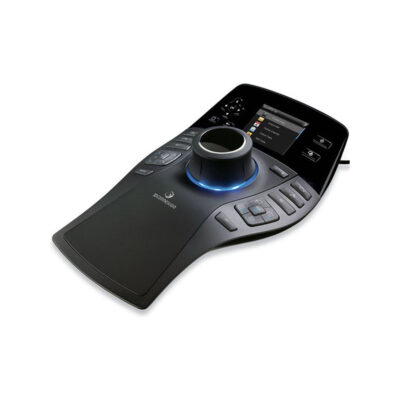
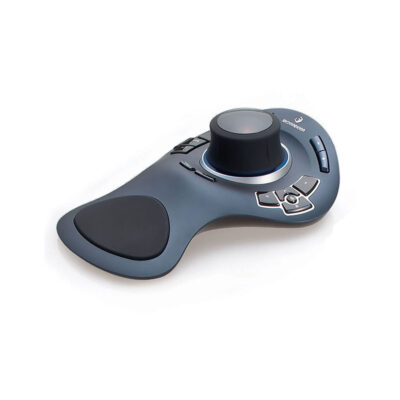
3Dconnexion SpaceMouse Pro 3D Navigation Controller with Six Degrees of Freedom Sensor, 15 Programmable Buttons and On-Screen Display. It features a full-size soft hand rest for comfort. QuickView keys give fast access to model views.
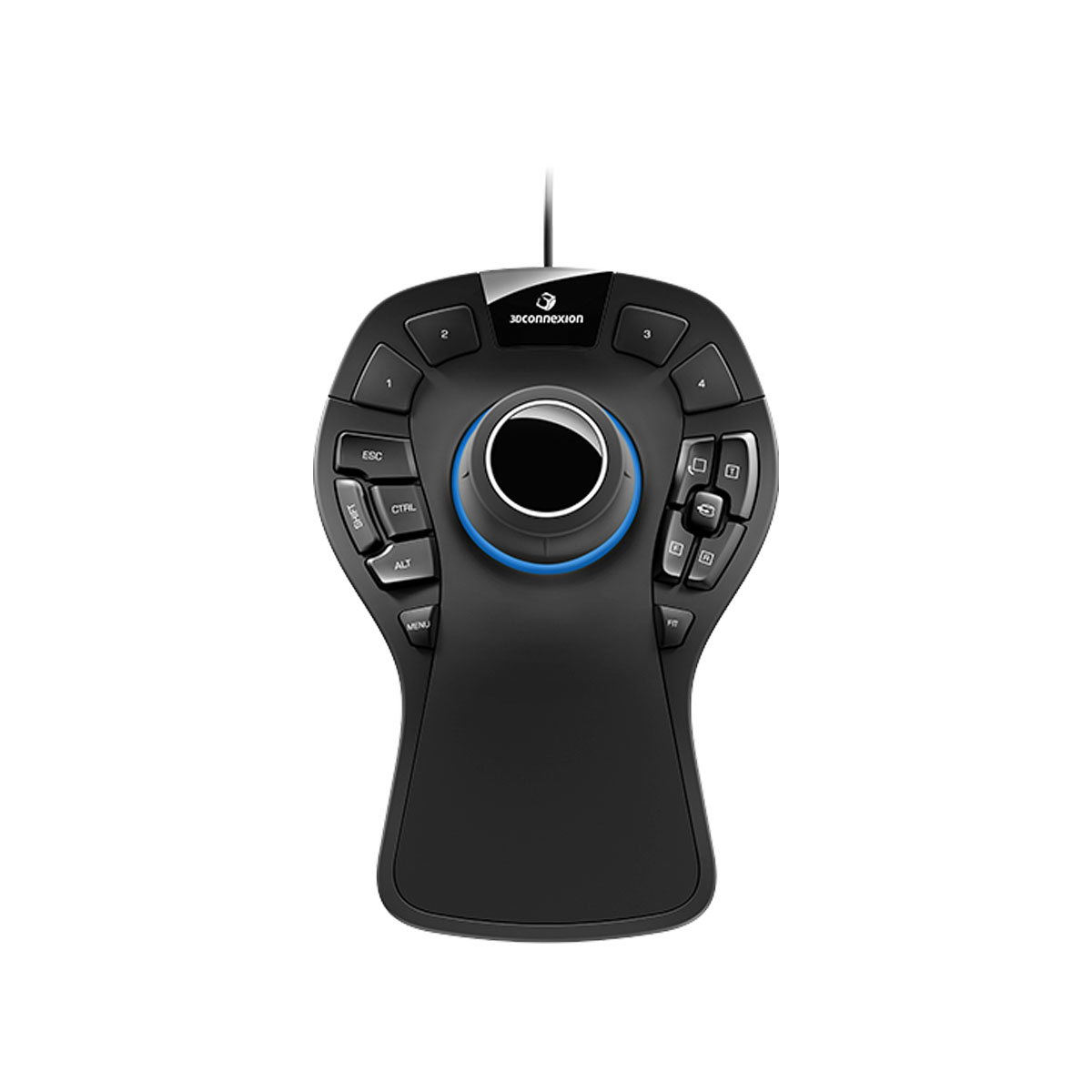
About 3Dconnexion SpaceMouse Pro
The 3Dconnexion SpaceMouse Pro gives you smooth control over 3D models. You move objects in six directions at once using the special sensor in the cap. This helps you explore designs quickly and makes editing much easier because both hands work together.
Programmable buttons save you time on repeated tasks. The 15 keys include four command buttons for your software plus modifiers like Ctrl Alt Shift and Esc. QuickView keys let you jump to different angles fast so you spot problems or show ideas without extra clicks.
A big soft hand rest keeps your hand comfortable all day. The on-screen display tells you what each button does right now which reduces mistakes and speeds up your flow.
This device measures 204 mm long 142 mm wide and 58 mm high. It weighs 665 g so it stays steady on your desk. You get precise navigation that feels natural for CAD work and other 3D programs.
Specifications
| Specification | Value |
|---|---|
| Sensor | 6-Degrees-of-Freedom |
| Programmable keys | 15 |
| Application command buttons | 4 |
| Keyboard modifiers | Ctrl Alt Shift Esc |
| QuickView keys | 4 |
| Rotation toggle key | Yes |
| Menu key | Yes |
| Fit key | Yes |
| On-screen display | Yes |
| Hand rest | Full-size soft-coated |
| Length | 204 mm |
| Width | 142 mm |
| Height | 58 mm |
| Weight | 665 g |
| Warranty | 2 years |
| Delivery | 7-14 days |
| Price | $299 |
Reviews
I love how this navigation tool lets me spin and move models so naturally. The big hand rest keeps my wrist happy even after hours of design work. Buttons respond instantly and the display shows exactly what I need.
Working in CAD feels way faster now. Quick views switch angles with one press and the programmable keys match my favorite shortcuts perfectly. It took a short time to get used to but now I cannot go back to regular mice.
The smooth control really helps me check details from every side. Hand rest feels premium and the whole unit stays put on my desk. I wish setup took less time but once running it improves my projects a lot.