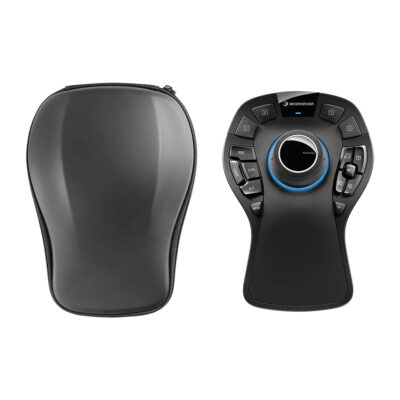
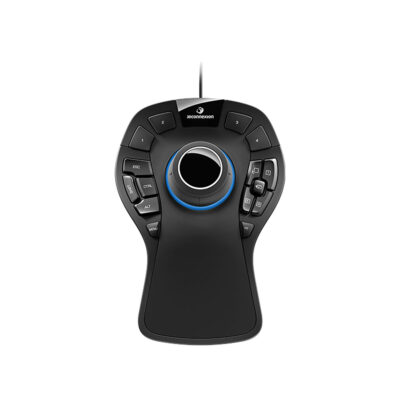
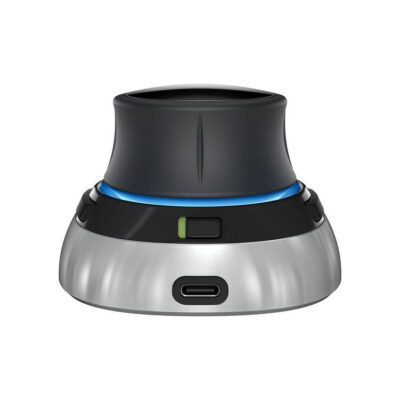
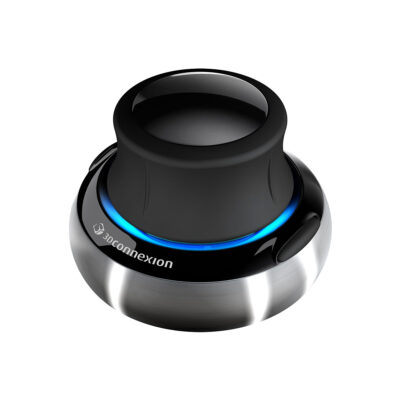
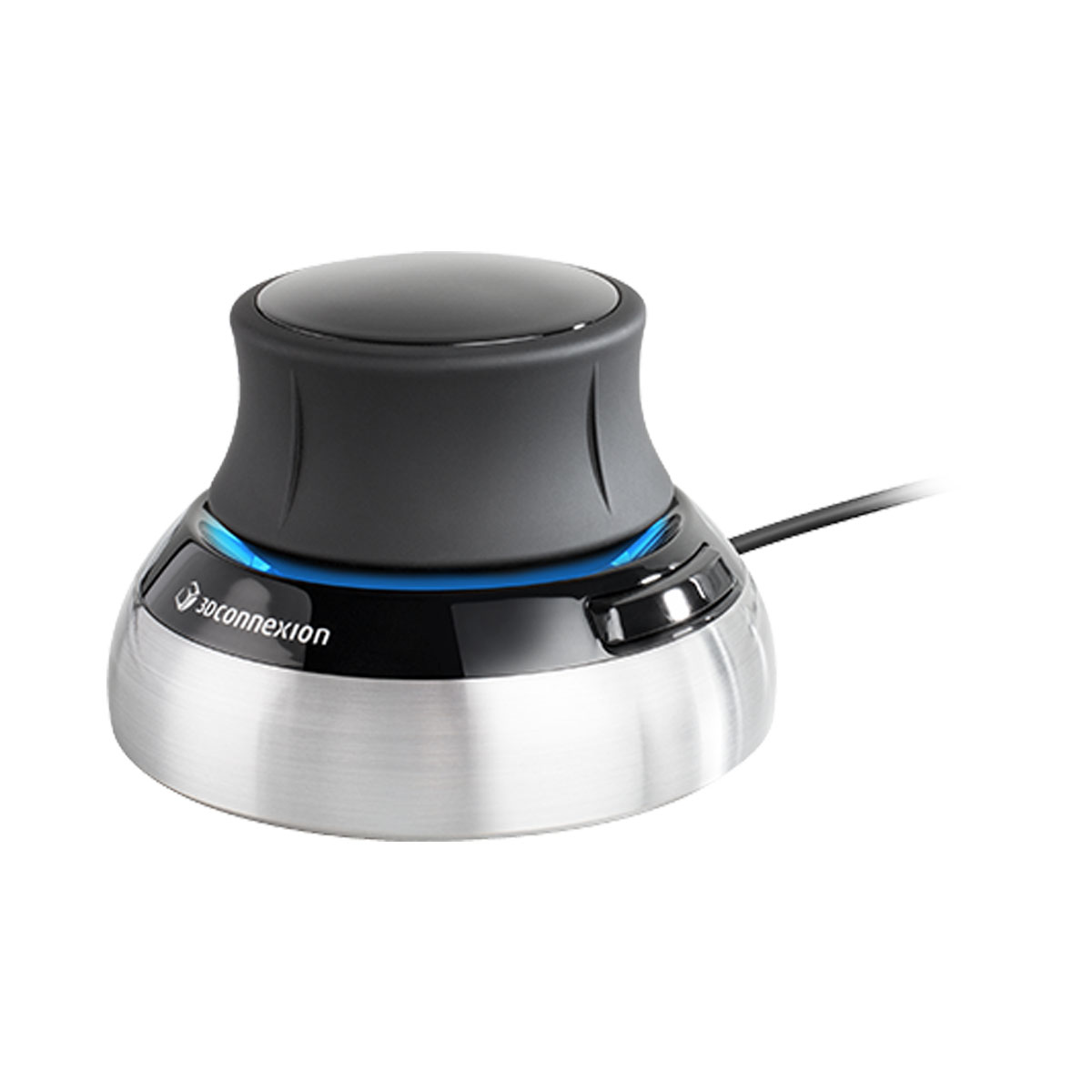
3Dconnexion SpaceMouse Compact 3D Navigation Controller with six degrees of freedom sensor, two programmable buttons, compact design, and USB connectivity for Windows and macOS. It delivers intuitive control for CAD work. The stable base and ergonomic shape help users explore 3D models with precision and comfort.
About 3Dconnexion SpaceMouse Compact
The 3Dconnexion SpaceMouse Compact brings powerful 3D control right to your desk. Its six-degrees-of-freedom sensor lets you push, pull, rotate, and tilt the cap to move models smoothly. This makes navigating complex CAD designs feel natural and fast so you stay focused on your creative work instead of fighting with standard mouse controls.
The compact size fits easily on any workspace with its 77 millimeter by 77 millimeter base and 54 millimeter height. A sturdy brushed steel bottom keeps everything stable during precise movements while the total weight of 480 grams gives just enough heft for confidence. You get reliable performance without taking up much room.
Two programmable buttons open radial menus full of your favorite commands. Each button gives direct access to up to eight shortcuts tailored to your software. This setup speeds up your workflow and reduces the need to reach for the keyboard all the time.
It works well with both Windows and macOS systems through a simple USB connection. Engineers, architects, and designers use it daily to review models and explore 3D spaces with ease. The symmetrical ergonomic shape feels comfortable even during long sessions.
Specifications
| Specification | Value |
|---|---|
| 6DoF Sensor | Yes |
| Programmable Buttons | 2 |
| Length | 77 mm |
| Width | 77 mm |
| Height | 54 mm |
| Weight | 480 g |
| Connectivity | USB |
| Operating Systems | Windows, macOS |
| Warranty | 2 years |
| Delivery | 7-14 days |
| Price | $179 |
Reviews
I love how this navigation tool makes 3D modeling feel effortless. Pushing and twisting the cap lets me spin models around exactly the way I want without switching tools constantly. It has improved my daily workflow so much.
The small size surprised me because it still feels very stable on my desk. I use the two buttons for quick commands in my design software and they save tons of time. It works great with my Mac setup.
After weeks of use this device still impresses me with its precision. The weight gives it a premium feel while the movements stay smooth. I recommend it to anyone who works with complex 3D projects regularly.