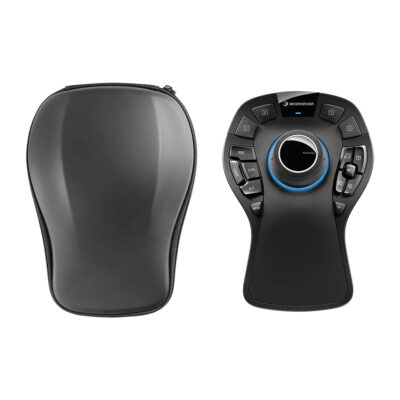
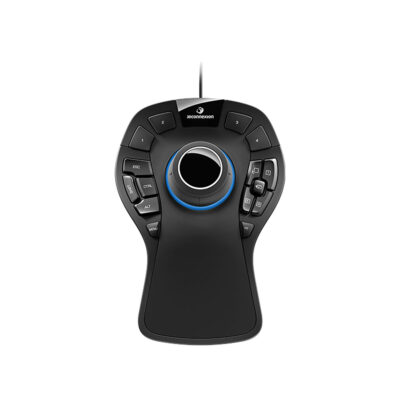
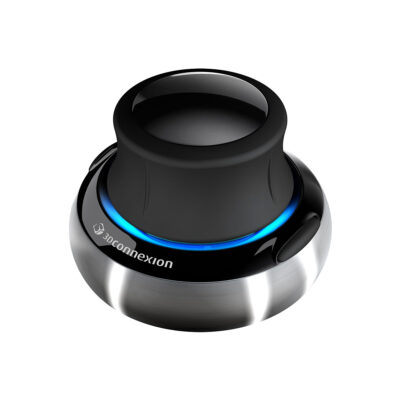
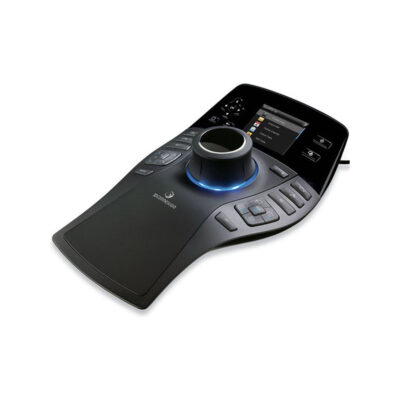
3Dconnexion SpaceMouse Enterprise 3D Navigation Controller with 6DoF Sensor, 31 Programmable Keys, Color LCD Display, and Full Size Hand Rest for CAD Work. It delivers precise real time model control. Professionals love its ergonomic comfort during extended sessions.
About 3Dconnexion SpaceMouse Enterprise
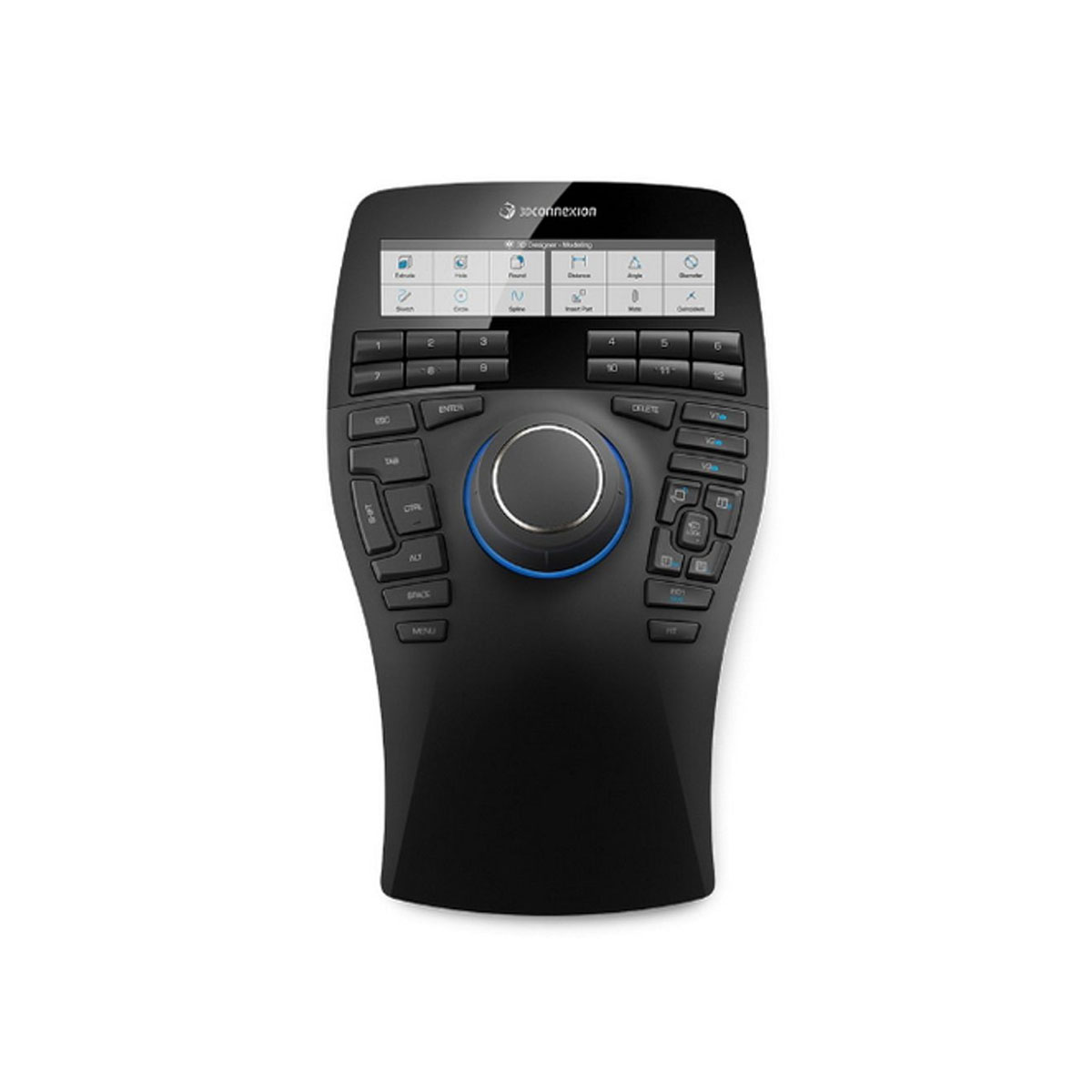
The 3Dconnexion SpaceMouse Enterprise gives you smooth control in 3D space. Its Six-Degrees-of-Freedom sensor lets you push, pull, and rotate models naturally with one hand. This makes navigation fast and precise so you stay focused on your design ideas instead of fighting with controls.
You get 31 programmable keys that put your favorite commands right at your fingertips. The 12 Intelligent Function Keys work with a color LCD screen that shows clear icons from your software. Eight keyboard modifiers like Ctrl and Shift plus QuickView and CustomView keys reduce trips to the regular keyboard and speed up your workflow.
The full-size soft-coated hand rest feels great during long work sessions. Rotation Toggle and Fit Key give extra convenience while the sturdy build with dimensions of 249 by 154 by 58 millimeters and 800 grams weight keeps everything stable on your desk. This setup helps CAD users work more efficiently every day.
Specifications
| Specification | Value |
|---|---|
| 6DoF Sensor | Yes |
| Programmable Keys | 31 |
| Intelligent Function Keys | 12 |
| Color LCD Display | Yes |
| Keyboard Modifiers | 8 |
| QuickView Keys | 5 |
| CustomView Keys | 3 |
| Rotation Toggle | Yes |
| Full Size Hand Rest | Yes |
| Dimensions | 249 x 154 x 58 mm |
| Weight | 800 g |
| Connectivity | Wired USB |
| Warranty | 2 years |
| Delivery | 7-14 days |
| Price | $399 |
Reviews
I use this navigation controller every day for my CAD projects. The smooth 6DoF movements feel so natural and the programmable keys save me tons of time. My hand stays comfortable even after hours thanks to the soft rest.
The color screen makes it easy to see my shortcuts at a glance. QuickView buttons help me switch perspectives fast during complex modeling. It works great with my software but I wish the cable was a bit longer for my setup.
Switching between views and commands happens instantly with this tool. The sturdy build and precise control improved my productivity right away. I cannot imagine going back to just a regular mouse for 3D work now.